-
Open a terminal and enter the following commands to install the relevant packages:
sudo apt-get install network-manager-openvpn
sudo apt-get install network-manager-openvpn-gnome
sudo systemctl restart NetworkManager.service -
In the network-manager create a new VPN interface.
Choose OpenVPN for connections type.
-
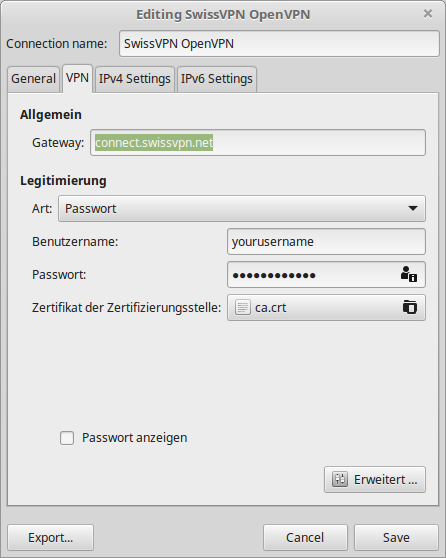
Enter the following details:
Connection name: SwissVPN
Gateway: connect.swissvpn.net
Type: Password
Username: type in your SwissVPN username
Password: type in your SwissVPN password
Certificate of certification authority: Download the certification authority and upload it into this field.
-
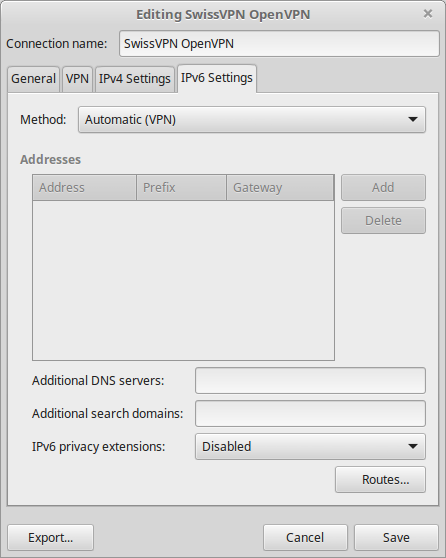
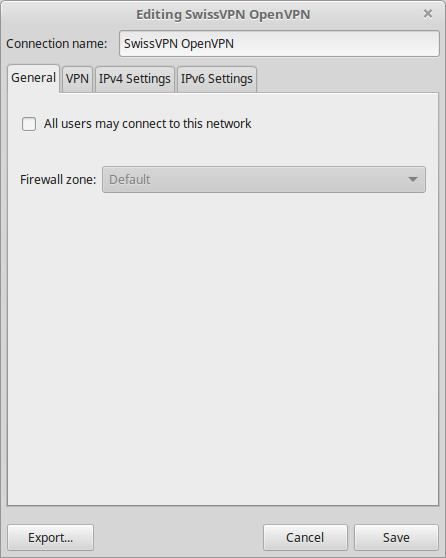
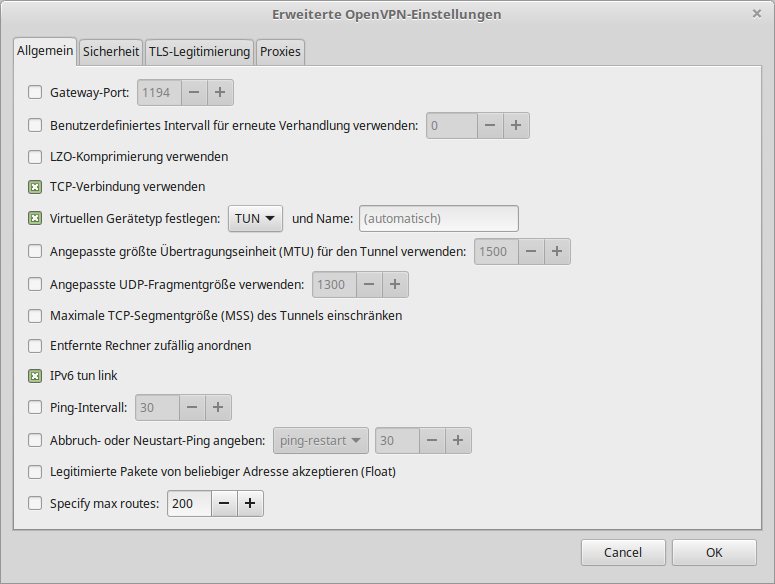
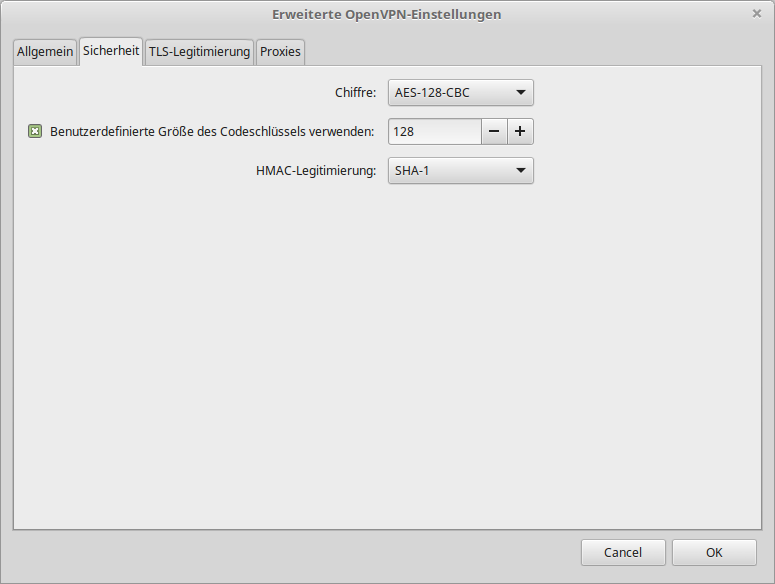
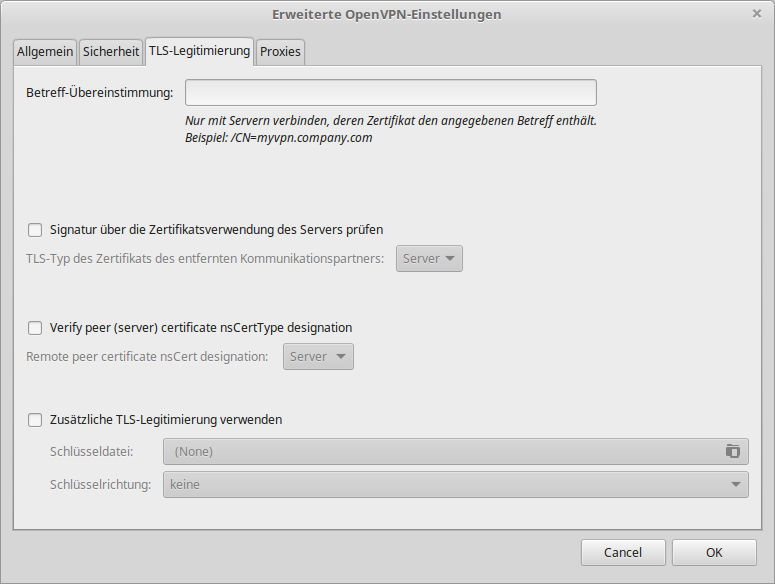
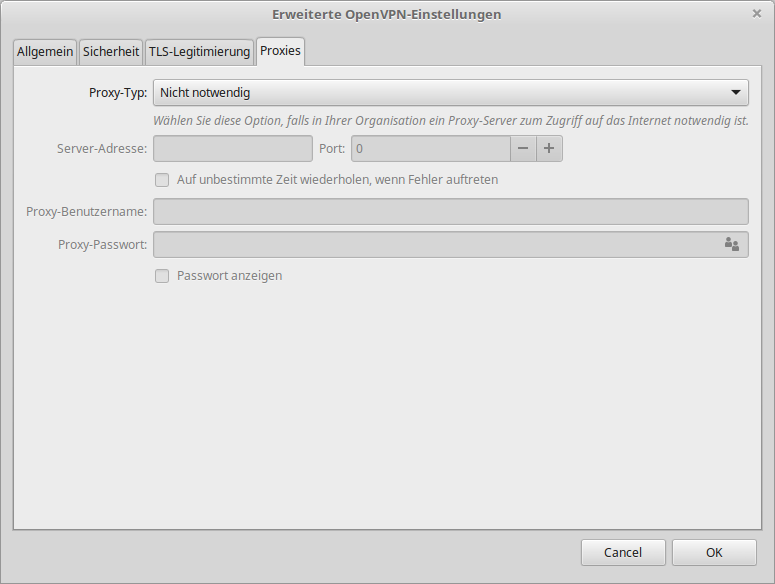
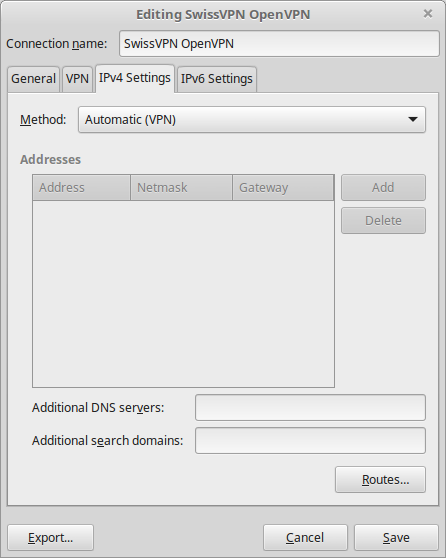
The following network manager (Gnome) screenshots can be used as reference.
-
-
-
-
-
-
-